General Settings
This article explains how to configure general housekeeping module settings including time and area management, inspection settings, and sheet change delays for your property.
Overview
The General Settings allow you to configure:
- Area unit measurements for room surfaces
- Task workload metrics for housekeeping staff
- Inspection requirements and preferences
- Sheet change delays
Accessing General Settings
- From the side menu, click on Settings
- In the settings menu, click on Housekeeping
- You will be redirected to the housekeeping settings that are open by default on the General tab
- Configure the settings as needed
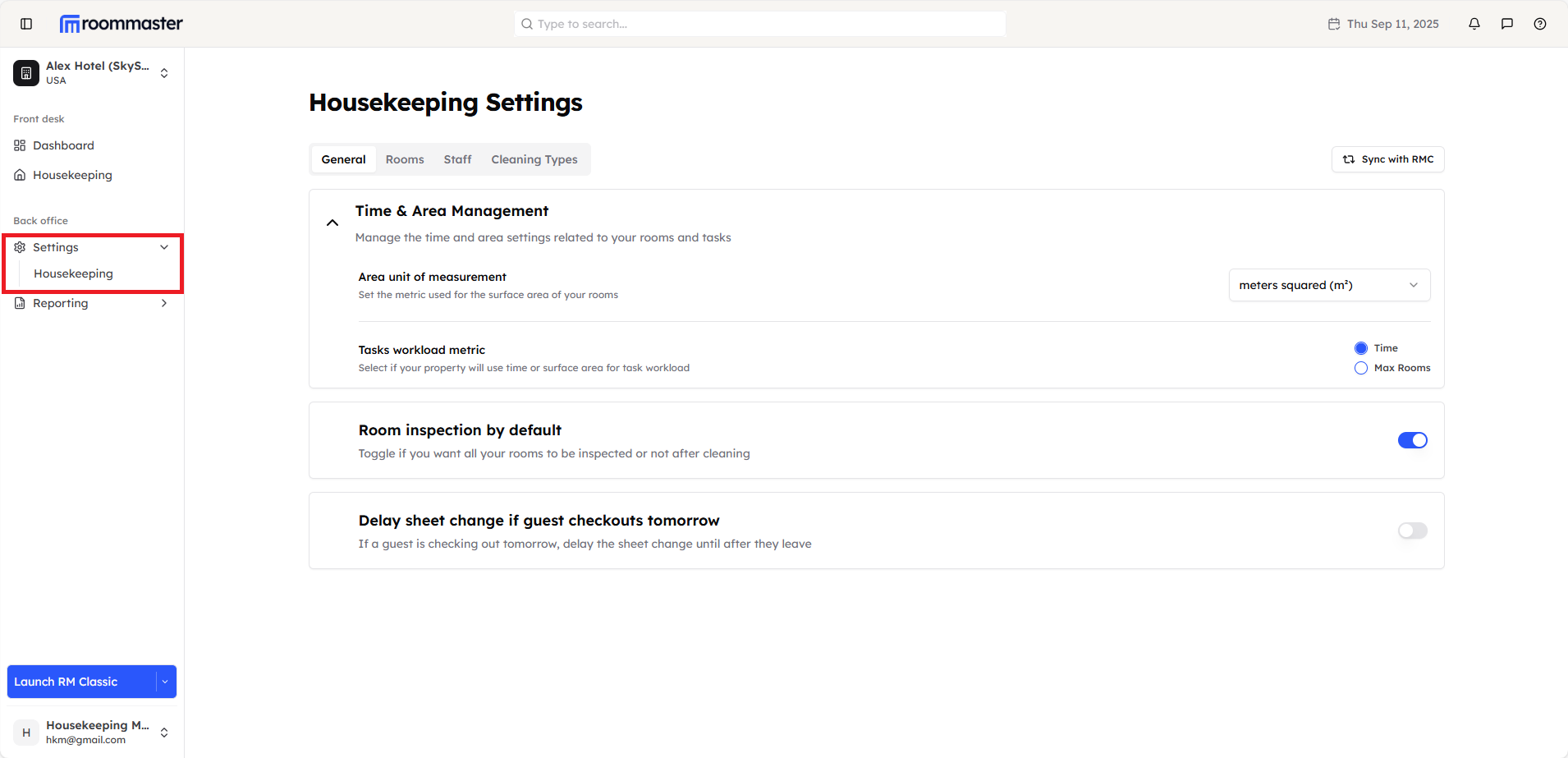
Area Unit Configuration
Configure Area Unit of Measurement
Set the unit of measurement used for displaying the surface area of property rooms:
- In the General tab, locate the Area Unit section
- Select your preferred unit of measurement:
- Square Meters - For metric system measurements
- Square Feet - For imperial system measurements
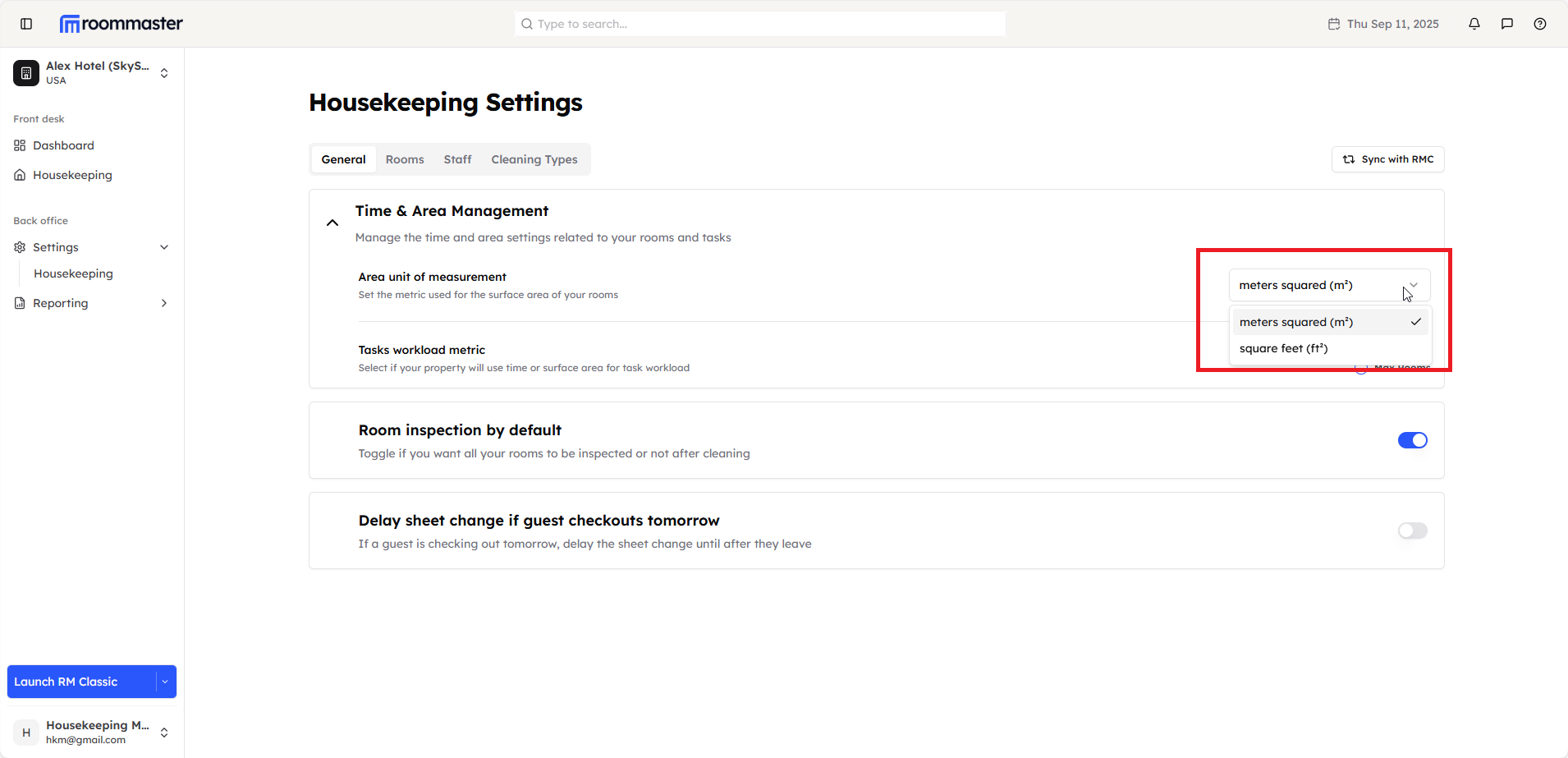
Task Workload Configuration
Configure Task Workload Metric
Select the method your property will use to determine task workload for housekeepers:
- In the General tab, locate the Task Workload Metric section
- Choose from the following options:
- Time-based - Rooms are assigned based on estimated cleaning time
- Max room based - Assign rooms based on each housekeeper's daily room capacity limit
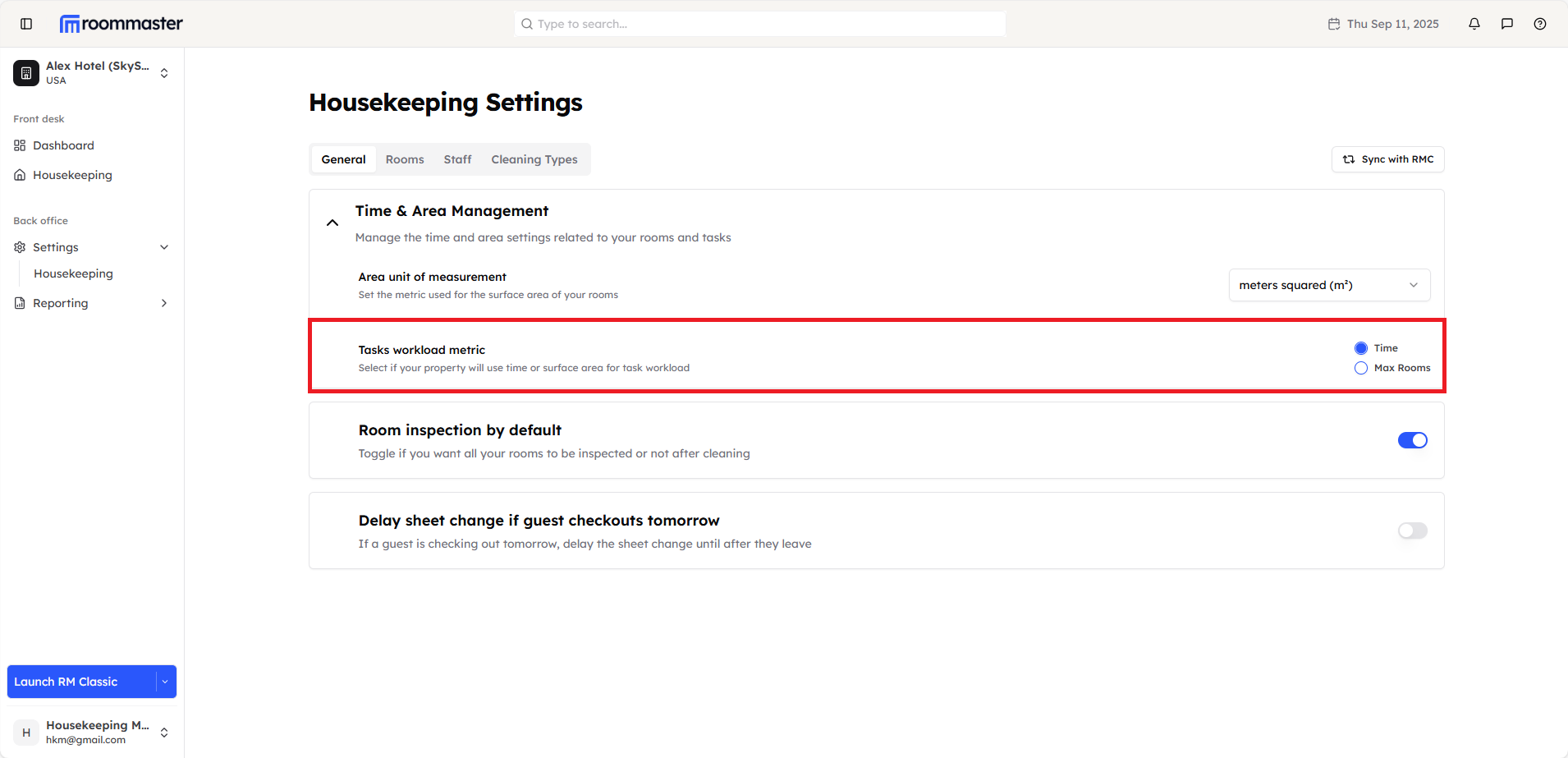
Inspection Configuration
Configure Room Inspection Requirements
Set whether rooms require inspection after cleaning:
- In the General tab, locate the Inspection section
- Toggle the inspection setting:
- Enabled - All rooms require inspection after cleaning
- Disabled - Rooms can be marked complete without inspection
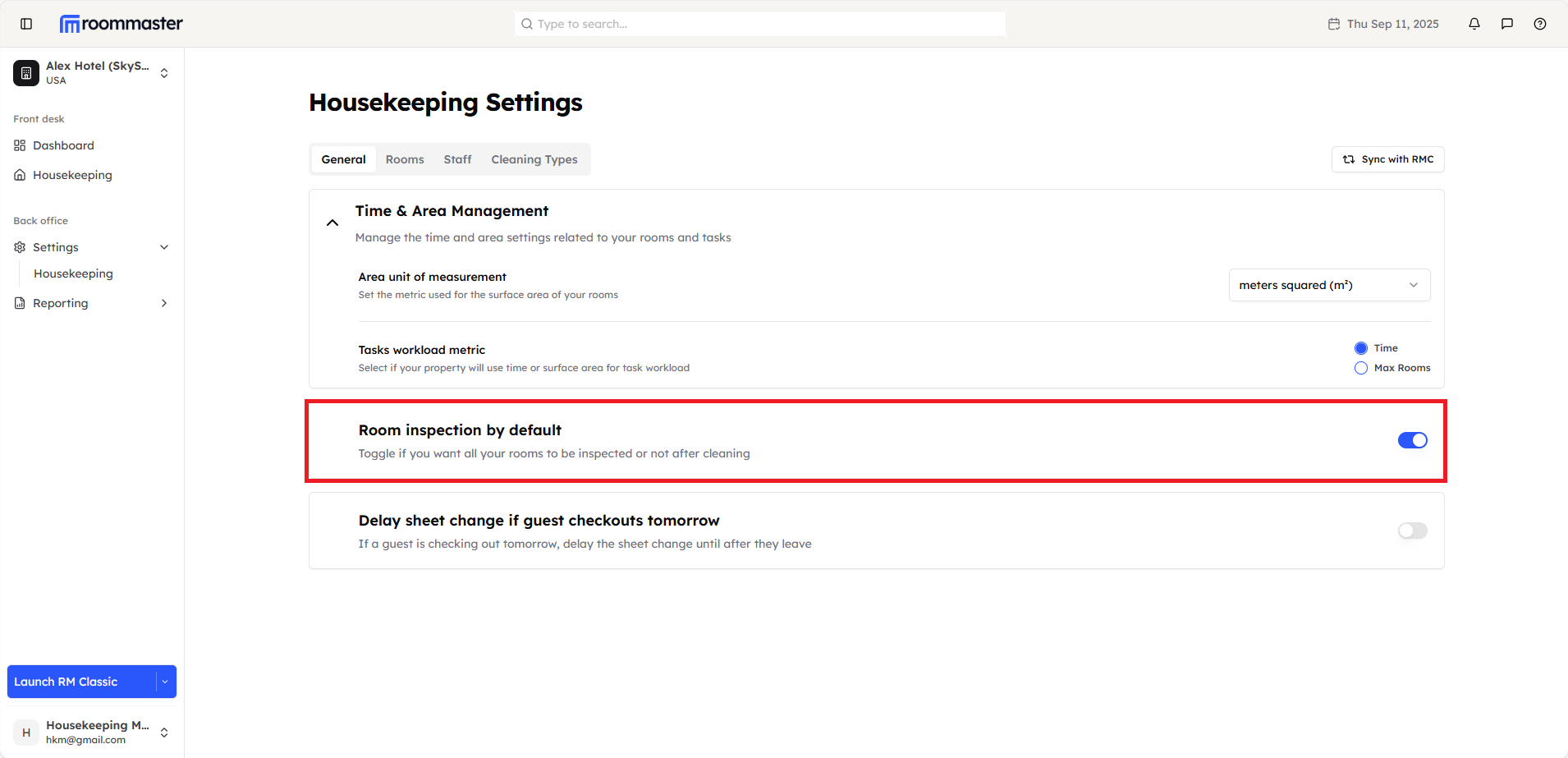
Usage Guidelines:
- Enable inspection for quality control and staff oversight
- Managers can override inspection requirements for individual rooms
- This setting applies only to newly created tasks after the setting is saved, existing tasks will not be affected
Sheet Change Delays
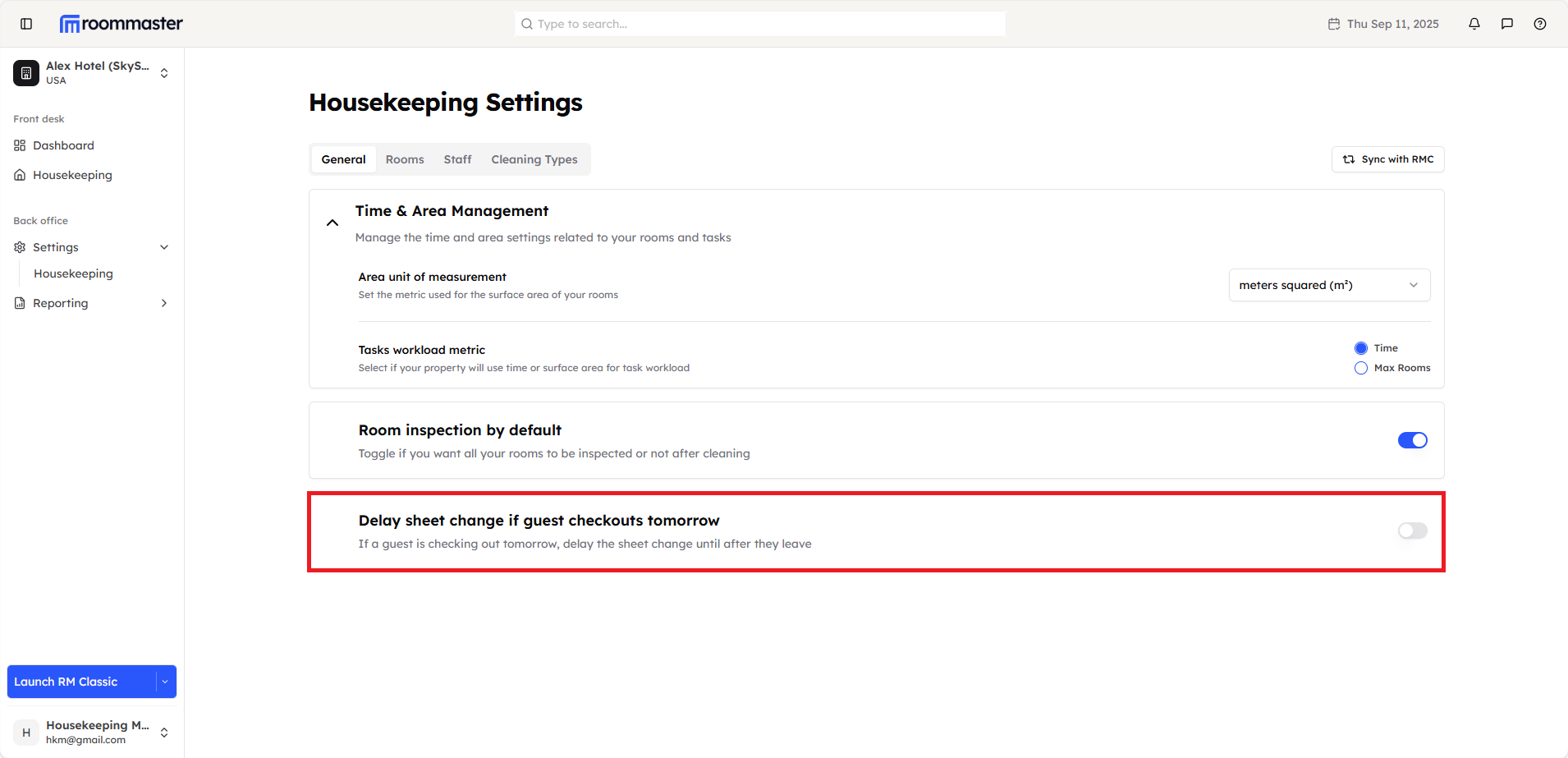
Configure Sheet Change Delays
Optimize sheet change timing based on guest checkout schedules:
- In the General tab, locate the Sheet Change Delay section
- Toggle the delay setting:
- Enabled - Sheet changes are delayed if guest checks out tomorrow
- Disabled - Sheet changes proceed regardless of checkout timing
Configuration Best Practices
Setting Up Your General Configuration
- Determine measurement standards - Choose between square meters or square feet based on your property's location and standards
- Select appropriate workload metric - Consider your housekeeping team size and cleaning procedures
- Configure inspection requirements - Balance quality control needs with operational efficiency
- Optimize sheet change timing - Reduce waste while maintaining guest comfort
Still Need Help?
For assistance with General Settings configuration:
- Check your user permissions for settings access
- Review the Housekeeping Settings Overview for general guidance
- Contact our support team at support@roommaster.com
- Visit our Knowledge Base