Add a Comment
This article explains how to add comments for housekeeping tasks in the room management section of the housekeeping module for housekeeping managers.
Overview
The Add Comment feature allows housekeeping managers to include notes, instructions, and important information with specific tasks or rooms. Comments help maintain clear communication with housekeeping staff and provide valuable context for housekeeping operations.
Steps to Add a Comment
Option 1: Using the Add Comment link
- Navigate to the room management section
- Select the room with the task
- Open the Room Details
- Tap the "Add Comment" link in the comment section
- Type your comment in the text field and click on send
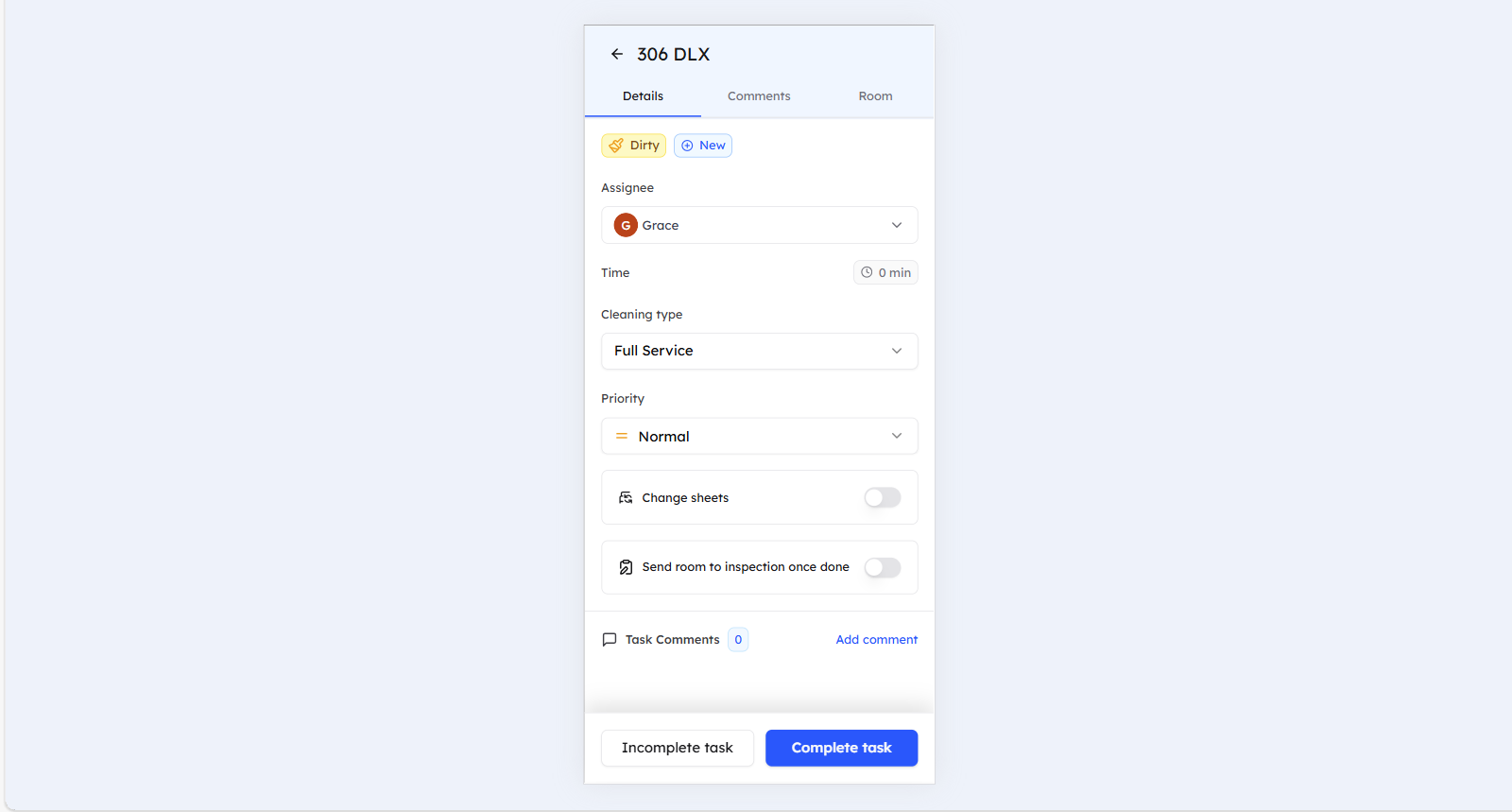
Option 2: Using the Comments tab
- Navigate to the room management section
- Select the room with the task
- Open the Room Details
- Navigate to the Comments tab
- Type your comment in the text field and click on send
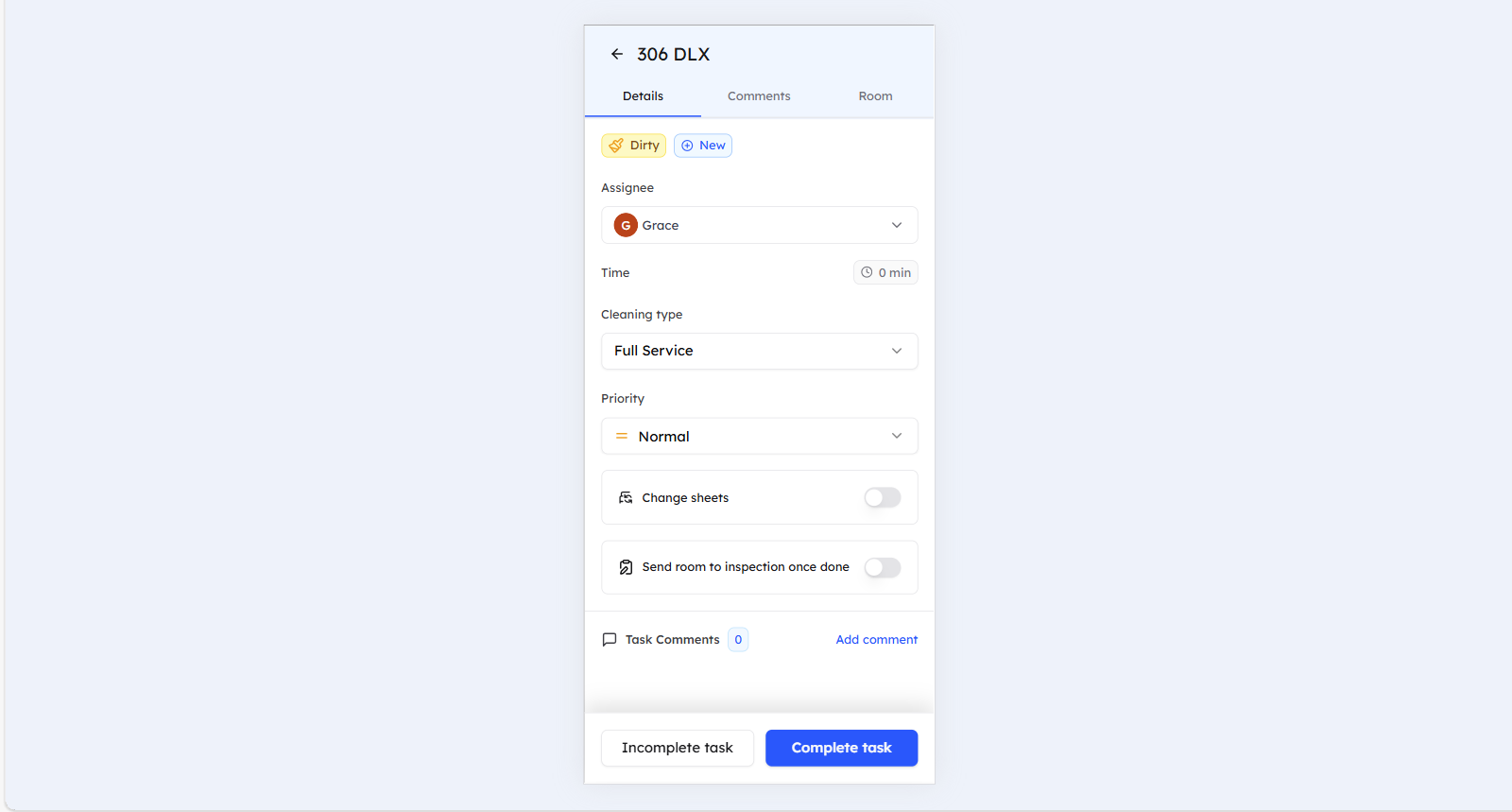
Comment Visibility
Comments will be visible to the comment author, the housekeeping staff, and any colleagues who will be later assigned to the task. Note that the comment will also be displayed in the task history.
Writing Effective Comments
- Use Consistent Formatting - Follow established patterns
- Include Relevant Details - Add room numbers, times, and specifics
- Be Clear and Concise - Provide clear instructions and information
- Use Professional Language - Maintain professional communication standards
Best Practices
- Add comments for important instructions
- Provide feedback on completed tasks
- Communicate changes or updates
- Document special requirements or issues
Still Need Help?
- Verify internet connectivity and refresh your page for real-time comment updates
- For additional support, please contact our support team at support@roommaster.com or visit our Knowledge Base