Account Settings
The Account Settings page allows users to manage their personal preferences and account information within the roommaster Mobile application.
Accessing Account Settings
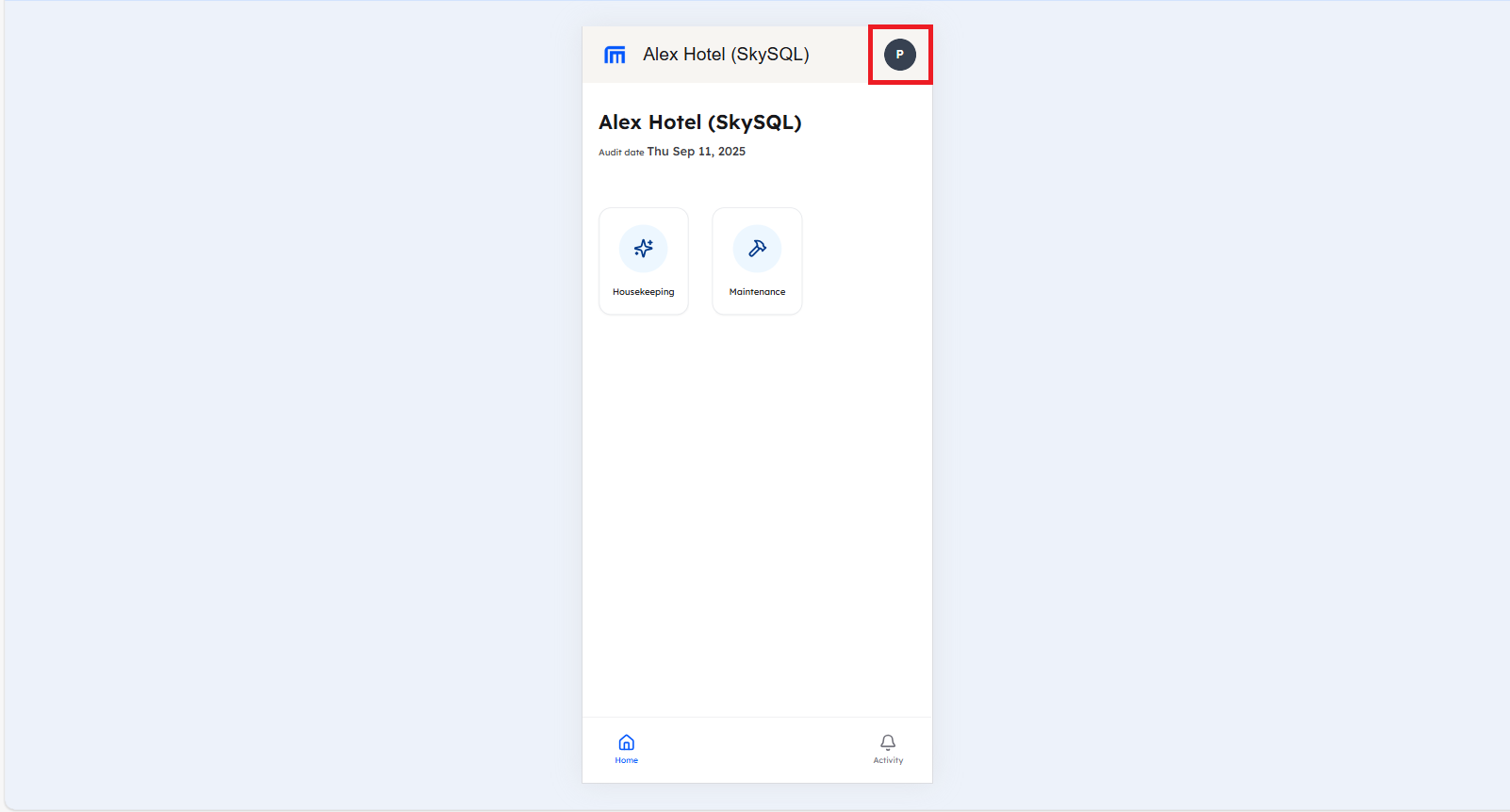
To access your account settings:
- Open the roommaster Mobile application on your device
- Login to your account using your credentials
- Tap on the avatar located in the header of the page
Available Settings
Language Change
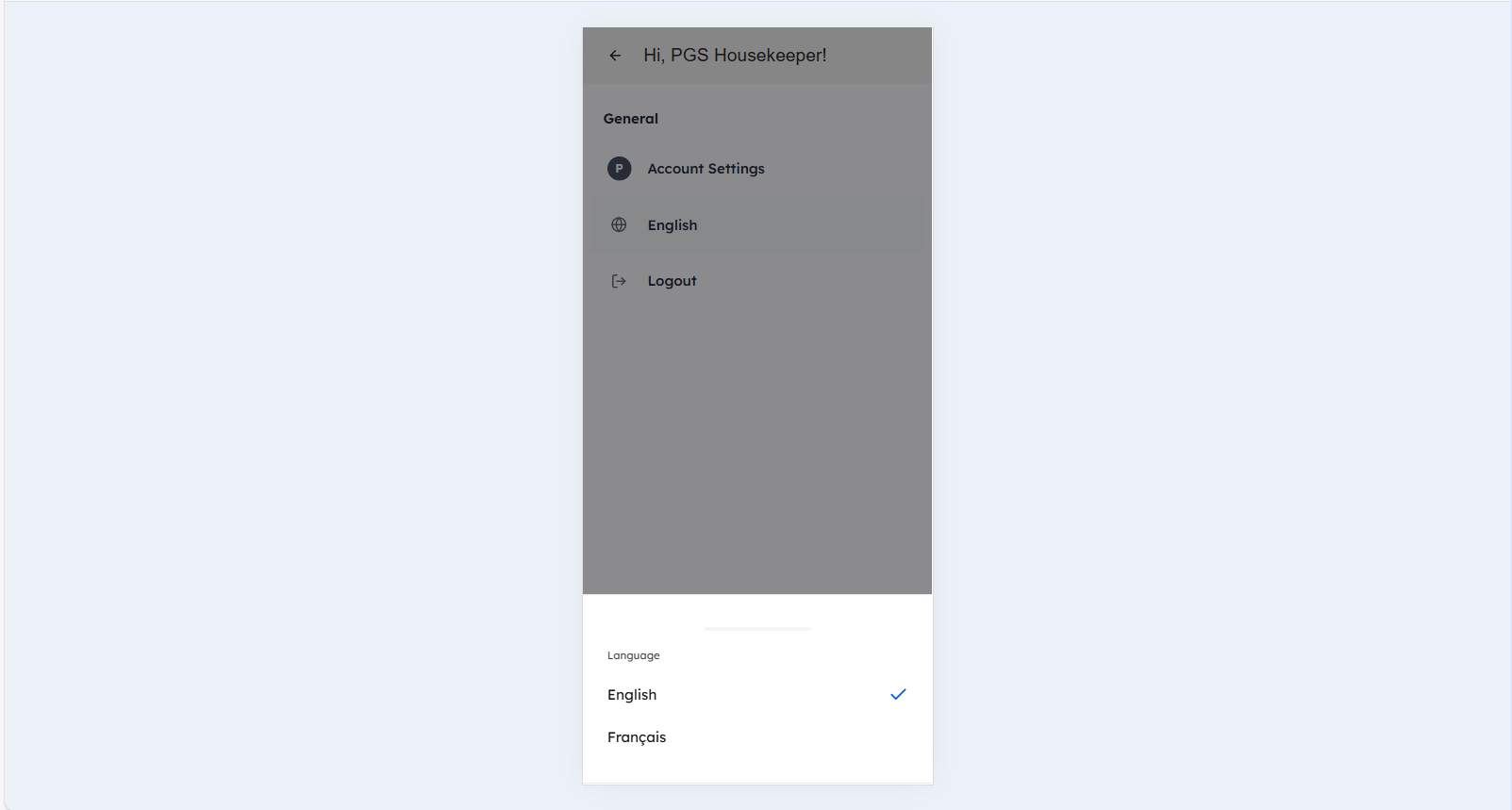
You can change the application language to your preferred language:
- In Account Settings, tap "English"
- Select your preferred language from the list
- The application will immediately update to the selected language
Available Languages:
- English
- French
- Spanish (coming soon)
Switch Properties
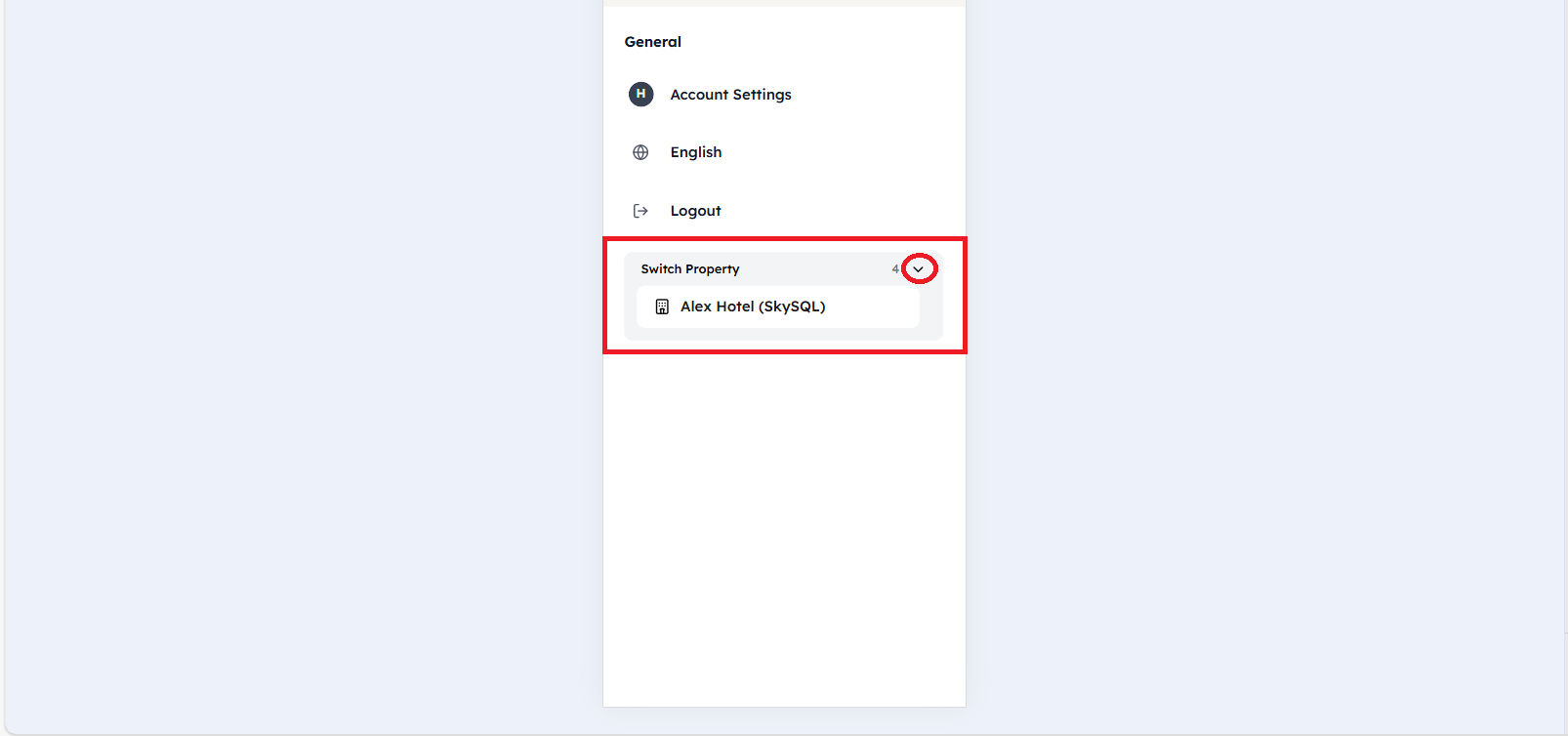
If you are a multi-property user, you can switch between properties in the Account Settings:
- In Account Settings, tap Switch Property
- A list will be displayed with the properties you are connected to
- Select the property you want to switch to from the modal
- You will be redirected to that property
Logout
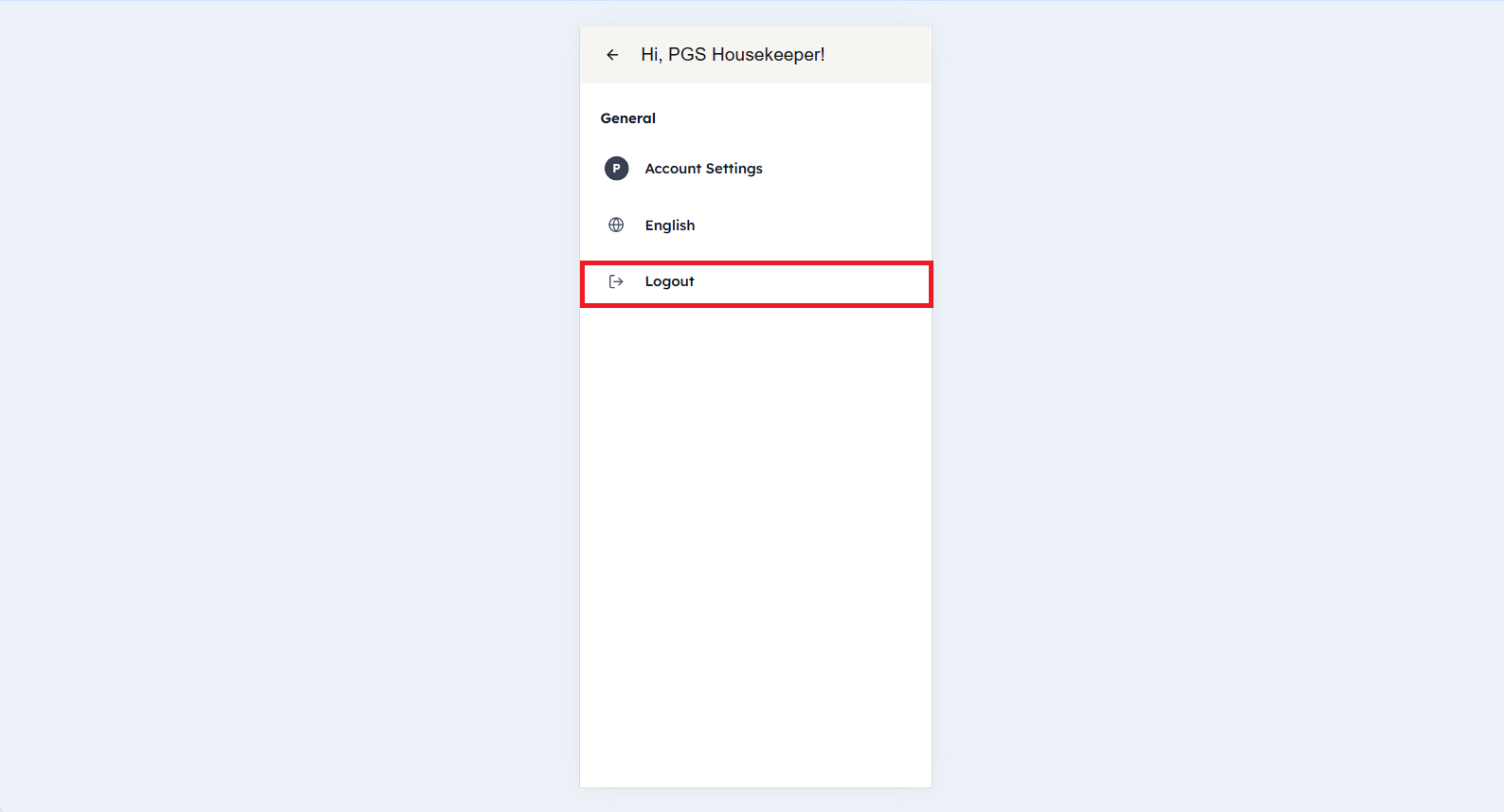
To securely log out of the application:
- In Account Settings, tap Logout
- You will be logged out automatically
Security Notes
- Always log out when you're finished using the application
- Keep your login credentials secure
- Contact your supervisor if you need to change your password
Need Help?
If you experience any issues with account settings, please contact your supervisor or our support team at support@roommaster.com.
For additional help and documentation, visit our Knowledge Base.