On Request Bookings
On Request Bookings
If a rate with a booking policy “on request” is requested by a guest the accommodation provider has 48h to confirm or reject a requested reservation. After 24h a reminder is sent. After 48h the request is automatically rejected unless the hotel is part of a chain. If a hotel is part of a chain, the request is forwarded to the chain giving the chain the opportunity to sell an alternative accommodation.
Emails
- Guest requests booking
- mail to guest #@HOTEL_NAME@# - Booking Request - #@PNRNUMBER@#"
- mail to hotel #@HOTEL_ID@# Booking Request #@PNRNUMBER@#
- Hotelier accepts booking - by accepting the requested reservation, you have the possibility to add a comment to the booking, which will be sent to the guest
- mail to guest (standard confirmation)
- mail to hotel (standard confirmation)
- Hotel rejects booking (or the confirmation deadline has passed and the request is automatically cancelled) - by rejecting the requested reservation, you have the possibility to add a comment to the booking, which will be sent to the guest
- mail to guest #@HOTEL_NAME@# - Declined Booking Request - #@PNRNUMBER@#
- mail to hotel Declined Booking Request - #@HOTEL_NAME@# - #@PNRNUMBER@#, #@FIRSTNAME@# #@LASTNAME@#
- 24 hours passed without action
- mail to hotel [REMINDER] #@HOTEL_ID@# Booking Request #@PNRNUMBER@#
- 48 hours passed and no action + hotel is part of chain
- mail to chain Unconfirmed Booking Request - #@HOTEL_ID@# #@PNRNUMBER@#
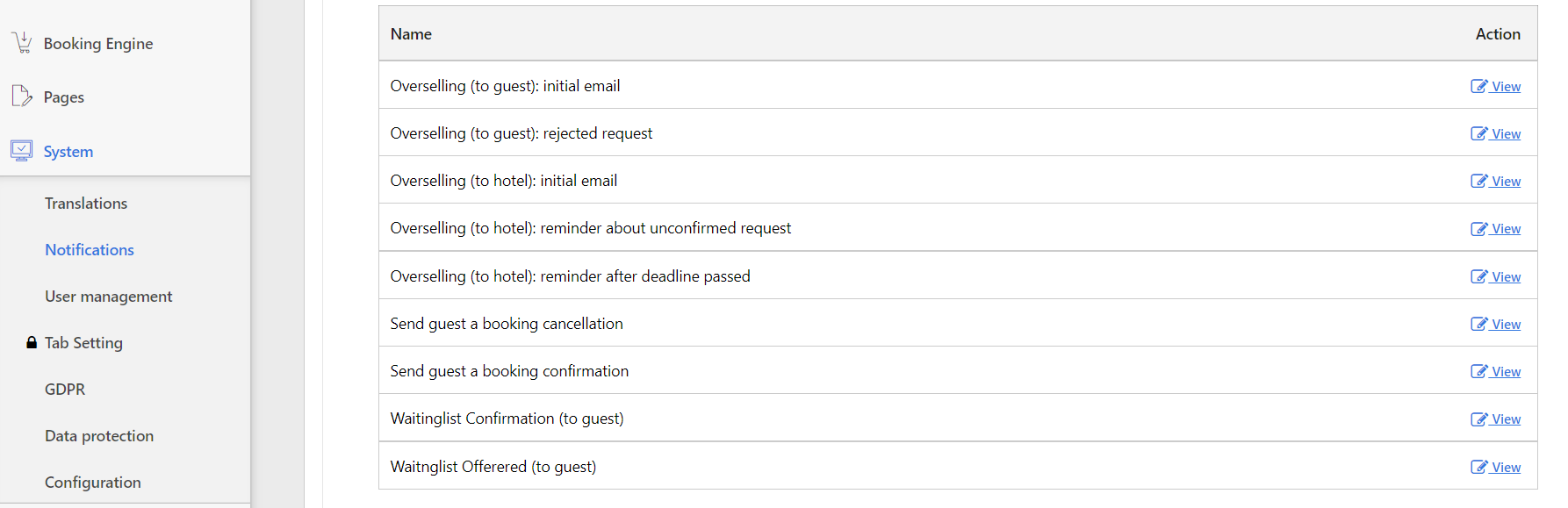
Did you know? You can customize the default emails by editing them in the System settings. Change the wording to your needs under System - Notifications.
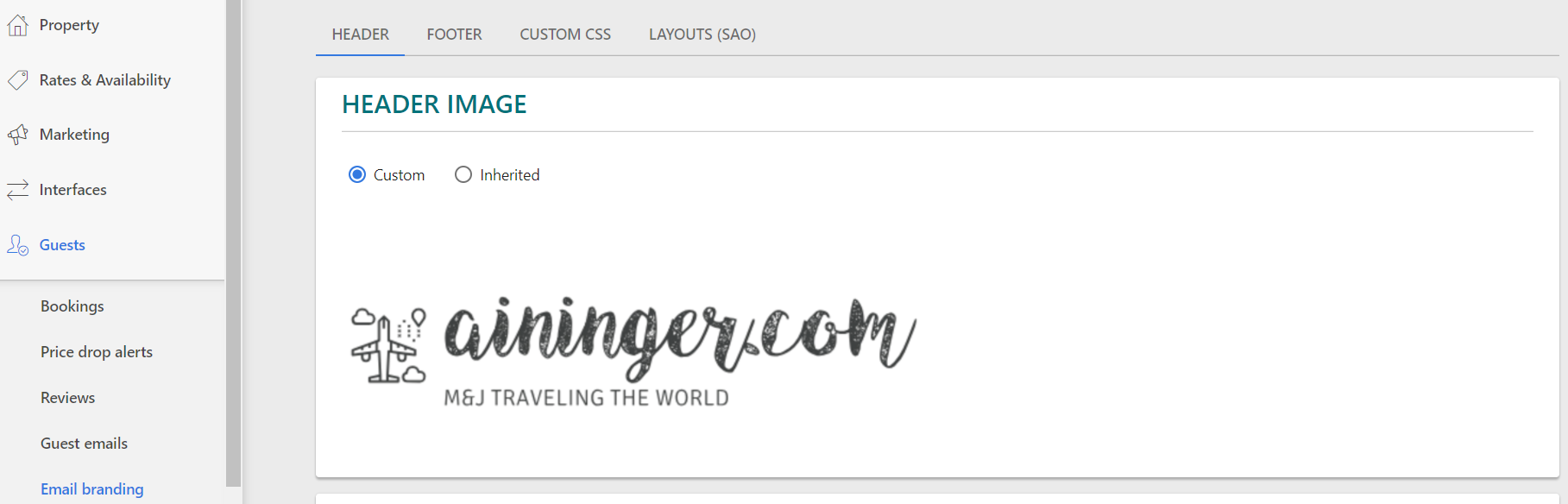
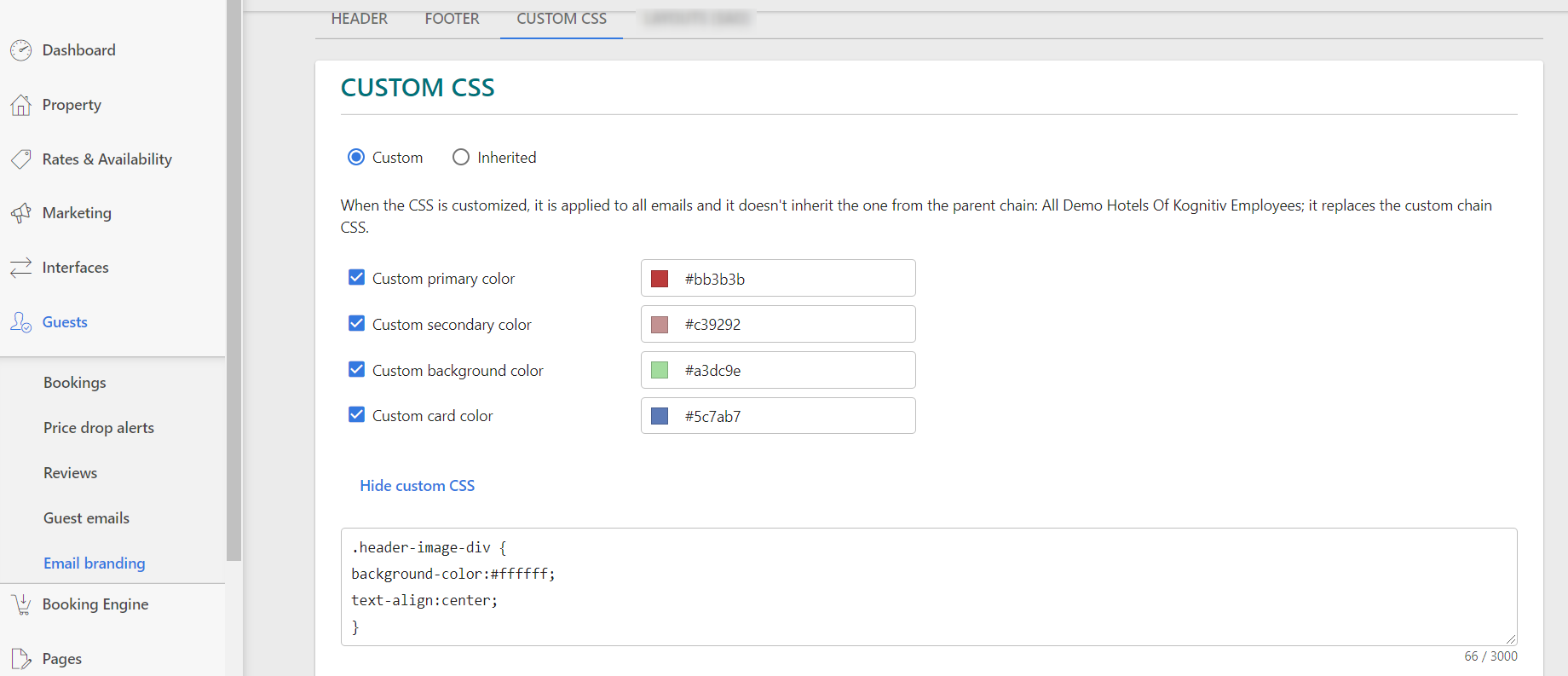
You can change the styling of the sent email as well. See Guests - Email branding for further options. Use custom CSS to adapt the emails to the company CI. Upload your own custom header image, edit footers and choose where you would like to use this layout.