Conversion API and Meta Pixel
The Booking Engine allows the integration of any tracking solution based upon Javascript. Metas conversion API and tracking pixel (formerly known as Facebook tracking pixel) is one of those.
Creating the Meta Pixel
To setup your own tracking pixel, please follow the documentation of Meta:
Integrating Pixel into the Booking Engine
To install the Meta Pixel for the booking engine, both scripts must be entered in the Hotel Manager in the configurations of your circle. To go there:
- Go to Booking Engines > Overview
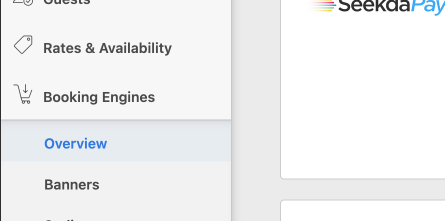
- Select the circle you want to track, eg.: Website (Direct) ibe

- Click on Edit on the circle configuration section
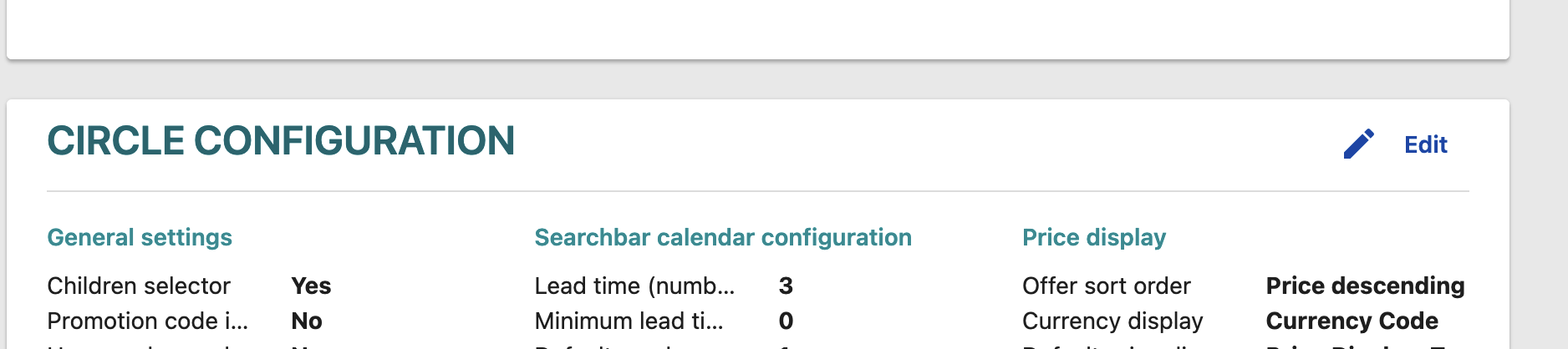
- Make sure to enable custom code by switching the toggle to Yes
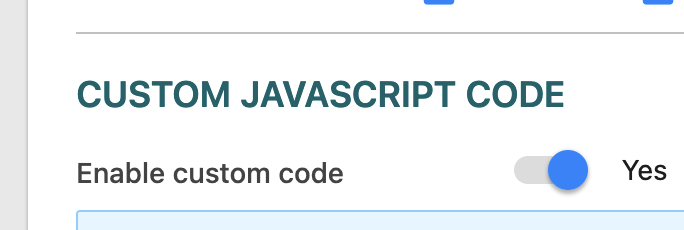
- Add the pixel javascript code without the HTML comments and script tags:
!function(f,b,e,v,n,t,s)
{if(f.fbq)return;n=f.fbq=function(){n.callMethod?
n.callMethod.apply(n,arguments):n.queue.push(arguments)};
if(!f._fbq)f._fbq=n;n.push=n;n.loaded=!0;n.version='2.0';
n.queue=[];t=b.createElement(e);t.async=!0;
t.src=v;s=b.getElementsByTagName(e)[0];
s.parentNode.insertBefore(t,s)}(window, document,'script',
'https://connect.facebook.net/en_US/fbevents.js');
fbq('init', 'replace with FB-ID');
fbq('track', 'PageView');
- Below, add the event handler for the booking confirmation event:
window.bookingFlowCustomTracking.pushHandler('viewBooking', function(eventData){
fbq('track', 'Purchase', {currency: data.searchData.currencyCode, value: data.total});
});
Google Tag Manager Integration
You may also use the google tag manager to include scripts and tracking into the Booking Engine.